

Fleet GPS
Where the vehicles are now, where they drove on a given day, and alerts for speeding or driving outside working hours.
Office / administratorSuper AdminOptional module
The Fleet GPS menu is visible to the Super Admin and to people who have the Sees the fleet GPS (map, routes, alerts) box ticked (Users → Edit). Only the Super Admin can change devices and settings.
Map now
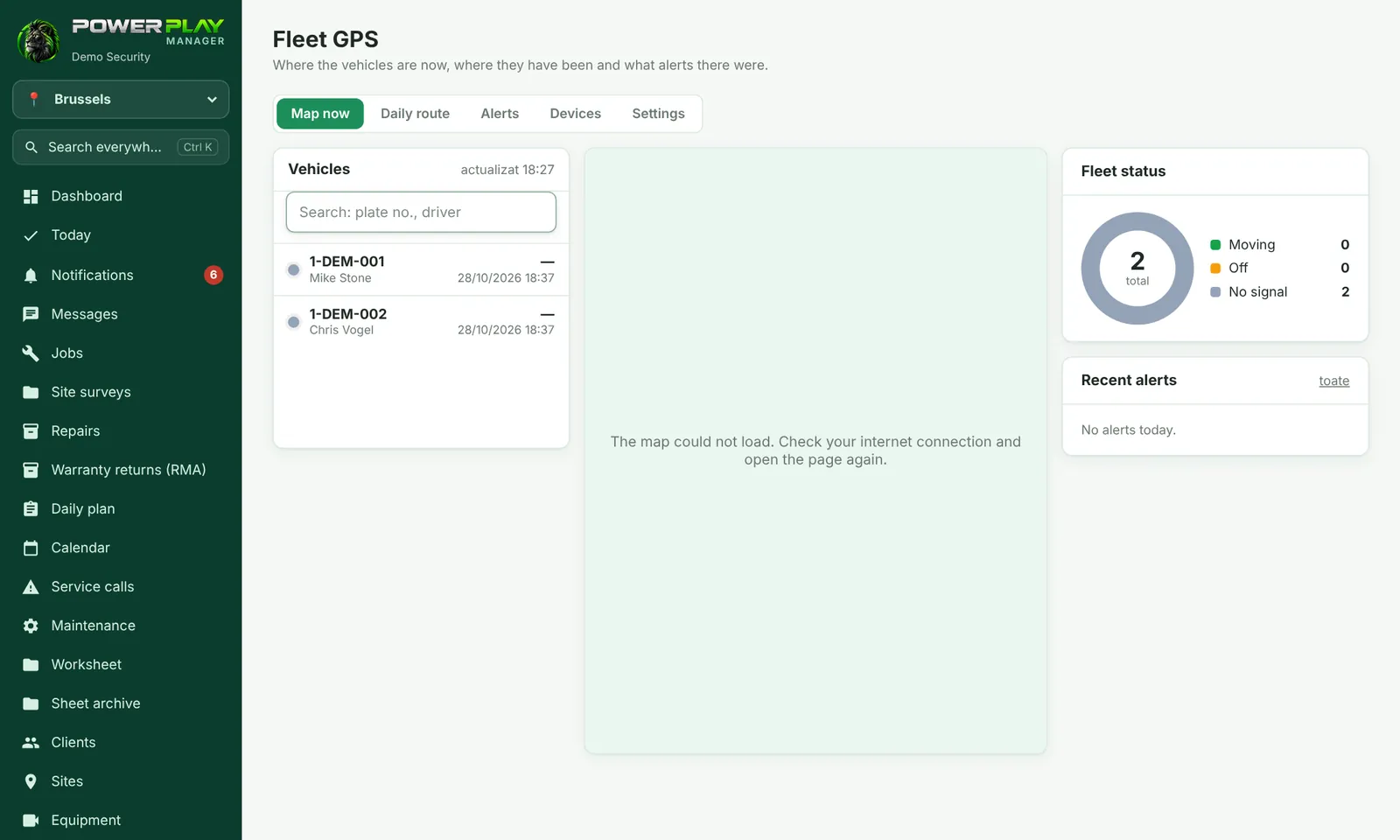
On the left is the list of vehicles, with their status (moving, stopped, no signal), speed and “X min ago”. On the right is the map. Tap a vehicle to see the driver from the Daily plan, today's kilometers and the planned route. The page updates by itself.
Daily route
- Open the Daily route tab.
- Choose the vehicle and the day.
- See the route on the map and the summary: Departure, Last position, Distance, Driving time, Top speed and Stops (over 5 min), plus what was planned for that day.
Alerts
The Alerts tab shows speeding and driving outside working hours from the last 30 days. Alerts go to the Super Admin and to those with the GPS box ticked, in the bell and on the phone.
What sends the location (Super Admin)
In the Devices tab, tap New device and choose the type. Then How do I set it up shows the exact steps.
| Device | How it works |
|---|---|
| GPS tracker in the vehicle | Installed in the vehicle; sends by itself, all the time. |
| Phone with Traccar Client | Free app on the phone; works even with the screen off. |
| The person's own phone | From the Today page, the “Start sharing location” button; works only while the app is open on the screen. |
In the Settings tab you choose the working hours (hours and days), whether phones send only during working hours, the speed limit, which alerts you want, after how many minutes a vehicle shows “no signal” and how many days routes are kept.
Frequently asked questions
A vehicle shows “no signal”.
The device has not sent its location for longer than the time set in Settings. Check the tracker or the phone (turned on, with internet, location allowed).
Does the phone send its location after working hours?
No, if “Phones only send their location during working hours” is ticked in Settings.
I don't see the Fleet GPS menu.
Ask the Super Admin to tick “Sees the fleet GPS” for you. If they can't see it either, the module is not turned on for your company.