

Calendar
The company schedule by week, by month or as a list: jobs, service calls, maintenance visits, the plan, leave and appointments.
TechnicianOffice / administratorSuper Admin
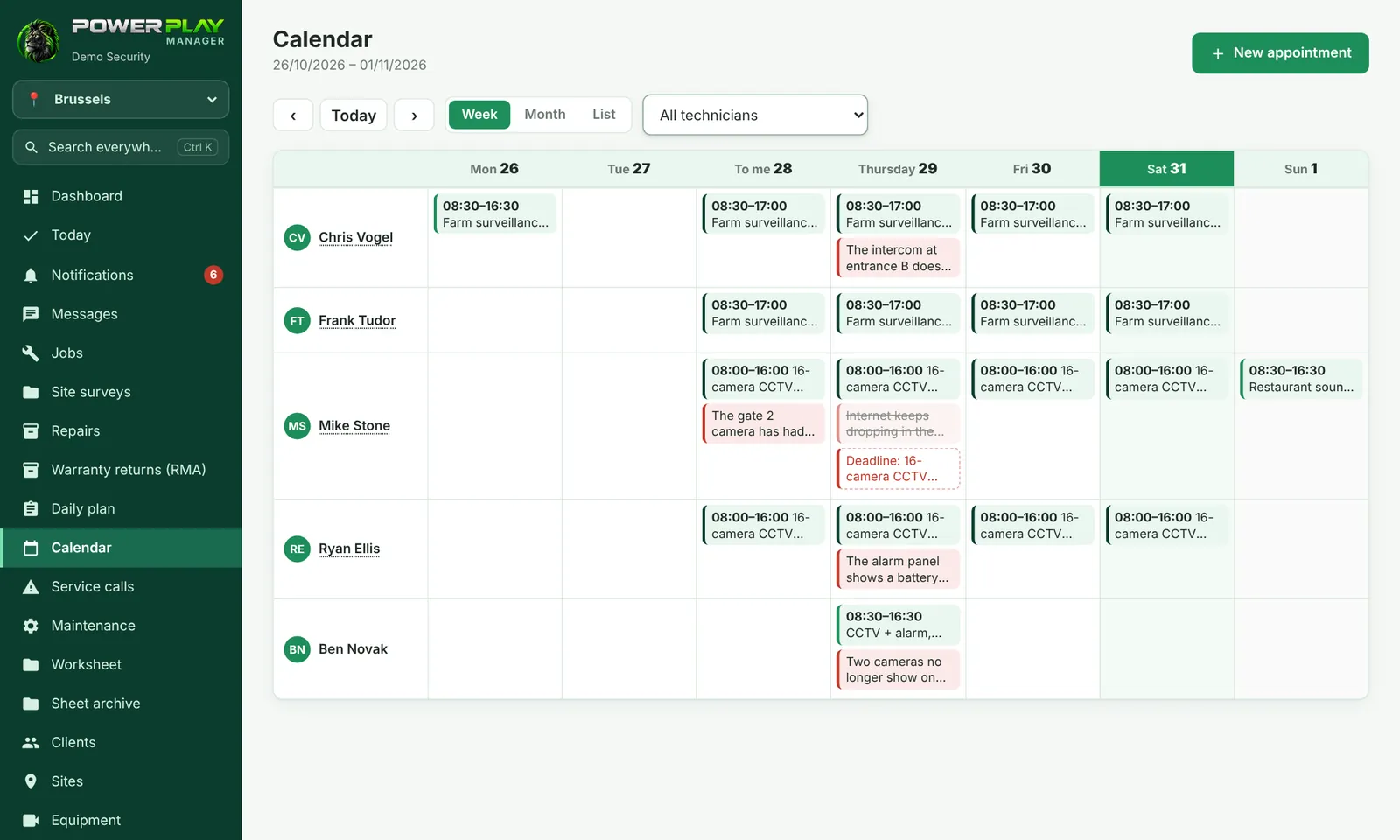
The Calendar shows everything scheduled, day by day: jobs with a date, job deadlines, service calls, maintenance visits, Daily plan rows, leave and appointments (client visits, measurements, quoting, meetings).
How to read it
- Week — one row for each person, with the days from Monday to Sunday (the week starts on Monday).
- Month — the whole month; tap a day to see everything in it.
- List — days one under another, with the time and label of each item (Service call, Maintenance, Daily plan, Deadline, Leave). On phones it opens in List view by default.
- ‹ / › move one week or one month; Today brings you back.
What each person sees
| Who | What they see and can do |
|---|---|
| Office (administrator) | The whole calendar. Can filter by one technician or Unassigned only. Can make appointments for anyone. Sees the Active jobs without a date card, with the Schedule button. |
| Technician | Chooses between My schedule only and The whole team's schedule (colleagues' items are view-only). Can make appointments only for themselves and edit the ones they made. Appointments from the office can only be marked as done. |
New appointment
- Tap New appointment (or tap a box in the week view / the + next to a day in List view).
- Write What needs doing (e.g. "Measurements for a quote").
- Choose the Type: Client visit, Measurements, Quoting, Meeting, Service call or Other.
- Choose the Date and, optionally, the times, the client and the site.
- The office also chooses the Technician. Tap Save.
Tap an appointment to open it: you see the address and contact, and you can Call, ✓ Mark as done, Edit or Delete. Tapping a job, service call or visit opens its record; tapping a plan row or leave opens the Daily plan on that day.
Frequently asked questions
I tap a colleague's job and get "You can only see it in the calendar". Why?
Technicians can only open the jobs, service calls and visits they work on. They can see their colleagues' items in the calendar, but can't open them.
What's the difference between the Calendar and the Daily plan?
The Daily plan is the detailed sheet of a single day (who goes with whom, in which vehicle). The Calendar is the overview by week or month, and it also includes the plan rows.